Where Verify is today.
A public GitHub repository exists under OpLogica, a Community Edition exists, and the
current public demo uses HMAC-SHA256 integrity. Ed25519
signatures are planned for a later phase and are not a current claim. The tool checks the integrity of structured evidence records and detects tampering in known demo scenarios.
Why Verify is public.
Evidence integrity should be inspectable, not taken on faith. A public Community Edition lets developers and reviewers examine how decision-record integrity is checked. Public inspectability is a trust mechanism that supports the broader Decision Accountability narrative.
What Verify is.
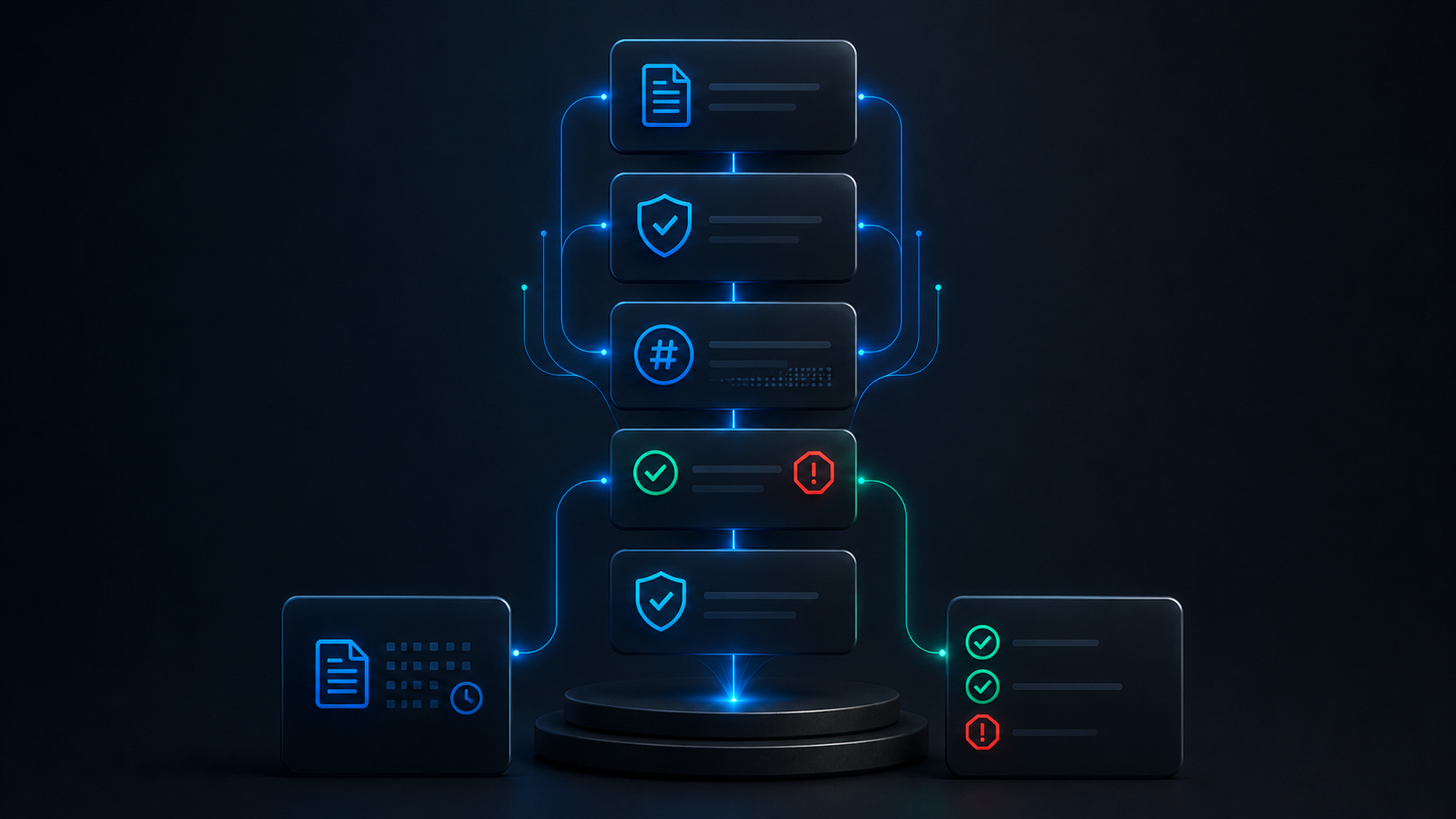
Verify Community Edition is an open-source verification layer, with a command-line interface, that checks the integrity of structured decision records, including recorded reasoning, evidence, approvals, and conflicts, and detects tampering in known demo scenarios. It is an inspectable technical artifact.
It is inspectable, not magical.
Who Verify is for.
- Developers and technical reviewers who want to inspect how record integrity is checked
- Evaluators assessing OpLogica’s seriousness
- Technically minded buyers who want to inspect the evidence-integrity mechanism
Who Verify is not for.
- Those seeking a production-ready governance system
- Those seeking a compliance or security certification
- Those seeking a guaranteed verification product
What Verify checks.
Integrity of records only, with tamper detection in known demo scenarios.
- Record integrity
- Evidence integrity
- Approval integrity
- Conflict records
- Tamper detection in known demo scenarios
What Verify does not verify.
- Whether a decision was correct.
- Whether an organization is compliant.
- Whether a decision is legally defensible.
- Whether a process is fair.
- Whether systems are secure.
- It does not provide formal mathematical proof.
How integrity is checked.
The tool computes and checks integrity values over structured records so that alterations covered by the supported integrity checks can be detected, which is the basis for tamper detection. This describes the
current HMAC-SHA256 approach and makes no claim beyond it.
Current cryptographic scope.
Stated precisely, with today and later kept separate.
HMAC-SHA256 today.
The current public demo uses HMAC-SHA256 for integrity, which provides keyed
integrity checking suitable for detecting tampering in the demo scenarios. It is integrity
checking, not a digital signature, not non-repudiation, not a certification, and not formal
proof. Key handling in the Community Edition is illustrative.
Ed25519 in a later phase.
Ed25519 signature support is a planned direction for a later phase, which would
add public-key signatures. It is not available today and not a current claim. It is a
direction, not a dated promise or a present capability.
Detecting tampering.
The tool detects tampering by checking integrity values, so an alteration to a verified record in the demo scenarios is detectable. It detects certain tampering in known scenarios, not every possible failure or attack, and absence of detected tampering is not a guarantee of correctness or safety.
How to read the demo.
The Community Edition includes known demo scenarios that show integrity verification and tamper detection on structured records. These are illustrative demonstrations, not benchmarks, not performance claims, and not evidence of production readiness. Read the demo as a transparent illustration of the mechanism, inspectable in the public repository.
What the Community Edition includes.
The Community Edition is the public, inspectable edition that demonstrates record-integrity verification and tamper detection. It is intentionally limited to the verification layer and does not expose any commercial engine. It is not represented as production-ready unless separately stated. The limitation is deliberate: it shows the integrity mechanism openly while keeping commercial components separate.
Why public inspectability matters.
An evidence-integrity claim is easier to evaluate when it can be inspected. Publishing the Community Edition lets developers and reviewers examine how integrity is checked rather than trusting a description. Inspectability is a core trust principle for Decision Accountability Infrastructure.
How Verify fits with the rest.
Verify and decision accountability
Decision accountability depends on records that can be trusted. Verify provides an inspectable way to check record integrity, while integrity is one part of accountability, not the whole.
Read the thesisVerify and the Workflow Audit
Verify is a public tool for inspecting record integrity. The Workflow Audit is a formal, assessed engagement that examines a workflow and produces a premium report.
See the Workflow AuditVerify and the sample report
The sample report shows the audit deliverable on fictional data. Verify separately and publicly demonstrates how record integrity can be checked.
See a sample reportVerify and the scoring model
They operate at different levels. The scoring model assesses reviewability in the audit; Verify checks record integrity.
See the scoring modelVerify and the methodology
Verify is the public, inspectable expression of the evidence-integrity part of the methodology.
See the methodologyHow developers should read Verify.
As an inspectable demonstration of record-integrity verification, useful for understanding the mechanism, evaluating the approach, and reasoning about evidence integrity, not as a production library unless separately stated.
- Inspect how record integrity is checked.
- Examine the demo scenarios in the public repository.
- Understand how tampering is detected.
- Evaluate the integrity approach for credibility.
- Reason about evidence-integrity concepts in their own context.
- Compare the approach to their own record-keeping.
- Assess whether the mechanism is transparent.
- Use it as a reference for thinking about decision records.
- Explore the boundary between integrity and correctness.
- Form an informed view of OpLogica’s technical approach.
How enterprise buyers should read Verify.
- Verify shows the integrity claim is inspectable, not just described.
- It signals technical transparency.
- It is a public artifact, not a production deployment.
- It is not a certification or a compliance statement.
- It demonstrates the mechanism, not your organization’s safety.
- It complements, not replaces, a Workflow Audit.
- It can inform a technical evaluation of OpLogica.
- It is intentionally limited to the verification layer.
- It does not expose any commercial engine.
- It supports trust through openness, not through claims.
How investors should read Verify.
- Verify shows the team builds inspectable technical artifacts.
- It supports the credibility of the integrity narrative.
- It is an early, intentionally limited Community Edition.
- It is not a revenue product on its own.
- It is not proof of traction or adoption.
- It demonstrates technical approach and transparency.
- It separates open inspectability from commercial components.
- It reinforces category ownership through openness.
- It is honest about its current cryptographic scope.
- It reflects founder-stage discipline, not overreach.
How to interpret Verify technically.
- Verify checks record integrity, not decision correctness.
- Integrity checking detects alteration, not intent.
- HMAC-SHA256 provides keyed integrity, not a signature.
- Absence of detected tampering is not proof of correctness.
- Tamper detection covers known demo scenarios, not every attack.
- The Community Edition is the verification layer, not the whole system.
- The demo is illustrative, not a benchmark.
- Ed25519 is a later-phase direction, not a current capability.
- Integrity is one part of accountability, not the whole.
- Verify does not assess workflow reviewability; the audit does.
- Verify does not certify compliance or security.
- Verify does not provide formal mathematical proof.
- Key handling in the demo is illustrative, not a production key system.
- Inspectability is the point; the code is public for examination.
- Production use requires separate statement and is not implied.
Why Verify is credible.
Grounded only in what is true.
- Public code The code is public and inspectable on GitHub.
- Examinable mechanism The integrity mechanism can be examined directly.
- Open demo scenarios The demo scenarios are open to inspection.
- Precise scope The current cryptographic scope is stated precisely.
- Marked directions Planned directions are clearly marked as not current.
- Plain limitations The limitations are listed plainly.
- Integrity, not correctness The tool claims integrity, not correctness.
- Honest scope The Community Edition is honestly scoped.
- No fabricated metrics No fabricated users, stars, or downloads are claimed.
- No fabricated validation No fabricated benchmarks or audits are claimed.
- No certification claim No certification or compliance is claimed.
- Honest about the audit The relationship to the audit is stated honestly.
- Supports governance The tool supports, not replaces, governance.
- Openness as trust Openness is treated as the basis for trust.
- Founder-stage honesty The page is founder-stage honest about scope.
Verify questions, answered.
What is Verify CLI?
The command-line interface of OpLogica Verify Community Edition, an open-source verification layer that checks the integrity of structured decision records and detects tampering in known demo scenarios.
Is Verify open source?
Yes. A public GitHub repository exists under OpLogica, and the Community Edition is inspectable.
What does Verify verify?
The integrity of structured decision records, including recorded evidence, reasoning, approvals, and conflicts, detecting tampering in known demo scenarios.
What does Verify not verify?
Whether a decision was correct, whether you are compliant, whether a decision is legally defensible, whether a process is fair, or whether systems are secure.
What cryptography does it use today?
The current public demo uses HMAC-SHA256 for integrity checking.
Is HMAC-SHA256 a digital signature?
No. It provides keyed integrity checking, not a digital signature or non-repudiation.
Do you support Ed25519?
Ed25519 signatures are a planned direction for a later phase. They are not available today and not a current claim.
Does Verify prove a decision is correct?
No. It checks record integrity, not decision correctness.
Does Verify certify compliance?
No. It is not compliance certification.
Is Verify a security certification?
No. It is not a security certification.
Does Verify prove legal defensibility?
No. It does not prove legal defensibility and is not legal advice.
Does Verify prove fairness?
No. It is not a fairness tool.
Does Verify provide formal proof?
No. It does not provide formal mathematical proof.
Is Verify production-ready?
Not unless separately stated. The Community Edition is an inspectable artifact, not a production guarantee.
What does tamper detection cover?
It detects certain tampering in known demo scenarios by checking integrity values. It does not detect every possible failure or attack.
Does no detected tampering mean my decision is safe?
No. Absence of detected tampering is not proof of correctness or safety.
What is the Community Edition?
The public, inspectable edition that demonstrates record-integrity verification and tamper detection, intentionally limited to the verification layer.
Does the Community Edition expose your commercial engine?
No. It is limited to the verification layer and exposes no commercial engine.
Why is the CLI intentionally limited?
To show the integrity mechanism openly while keeping commercial components separate, and to avoid overclaiming.
Why does public inspectability matter?
Because an integrity claim is stronger when it can be examined directly rather than trusted from a description.
Who is Verify for?
Developers and technical reviewers who want to inspect the mechanism, and technically minded evaluators and buyers assessing OpLogica’s seriousness.
Who is Verify not for?
Those seeking a production-ready governance system, a compliance or security certification, or a guaranteed verification product.
How does Verify relate to the Workflow Audit?
Verify is a public tool for inspecting record integrity. The Workflow Audit is a formal, assessed engagement that examines a workflow and produces a report.
How does Verify relate to the sample report?
The sample report shows the audit deliverable on fictional data, and Verify separately demonstrates how record integrity can be checked.
How does Verify relate to the scoring model?
They operate at different levels. The scoring model assesses reviewability in the audit, while Verify checks record integrity.
How does Verify relate to the methodology?
Verify is the public, inspectable expression of the evidence-integrity part of the methodology.
Can I use Verify in production?
Not unless separately stated. Treat the Community Edition as an inspectable artifact, not a production library.
Do you claim a number of users or downloads?
No. We make no claims about users, stars, or downloads.
Do you claim benchmarks or audits?
No. We make no benchmark, audit, or third-party validation claims.
Is the demo a performance benchmark?
No. The demo scenarios are illustrative demonstrations, not benchmarks or performance claims.
Does Verify replace governance?
No. It supports accountability but does not replace governance.
Is Verify magical?
No. It is inspectable, not magical. You can examine exactly what it does in the public repository.
What should a developer take away?
That the integrity mechanism is transparent and inspectable, with a clearly stated scope and clearly stated limitations.
What should an enterprise buyer take away?
That OpLogica makes its integrity claim inspectable, which signals transparency, and that this is distinct from a deployment or certification.
What should an investor take away?
That the team builds inspectable, honestly scoped technical artifacts that support the category narrative, while the Community Edition is early and not a revenue product.
Where can I inspect Verify?
In the public GitHub repository under OpLogica.
How do I get a formal assessment of my workflow?
Through a Workflow Audit, which assesses one workflow and produces a premium report.
Inspect it for yourself.
Verify is public and inspectable so that the integrity claim can be examined rather than trusted, and it is honest about what it does and does not do. Credibility comes through inspectability, with a precise scope and clearly stated limitations.